hello, Android!
The drawing widget for Android
Draw a little something, or scribble on a photo, and it pops up in the widget on your partner’s, besties’ or family’s home screen. Friends on iPhone? They can join in too.


Free · iPhone, iPad, Mac & Android
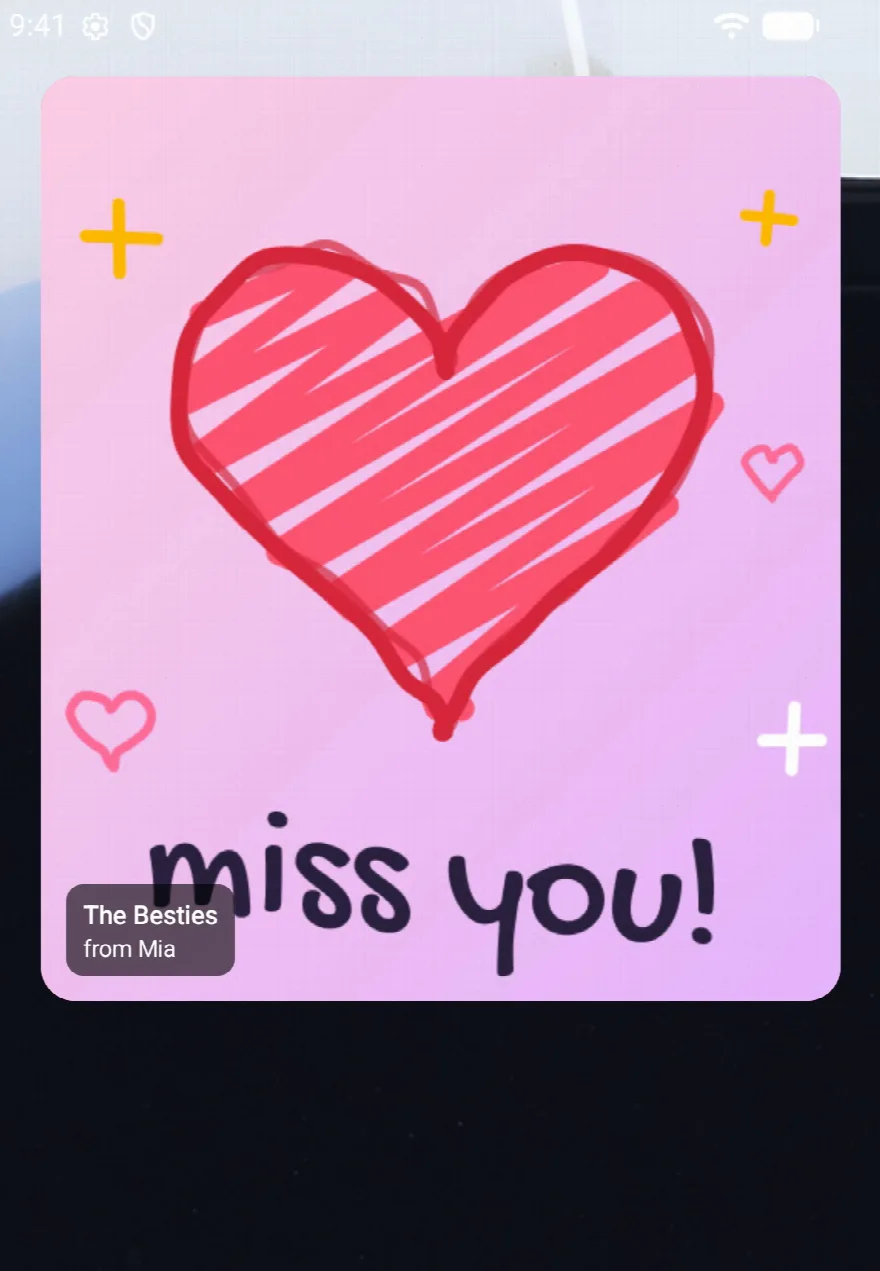
On your home screen in a minute
-
1
Get Peek-A-Doodle
It’s free on Google Play. Make a group and send your people its invite link, code or QR code.
-
2
Add the widget
Touch and hold your home screen, tap Widgets and drag Peek-A-Doodle onto it. Small, wide or the whole screen: you pick.
-
3
Doodle and swipe
Your doodle lands on their widget in seconds. Got a few groups? Give each one a widget of its own.
your turn!
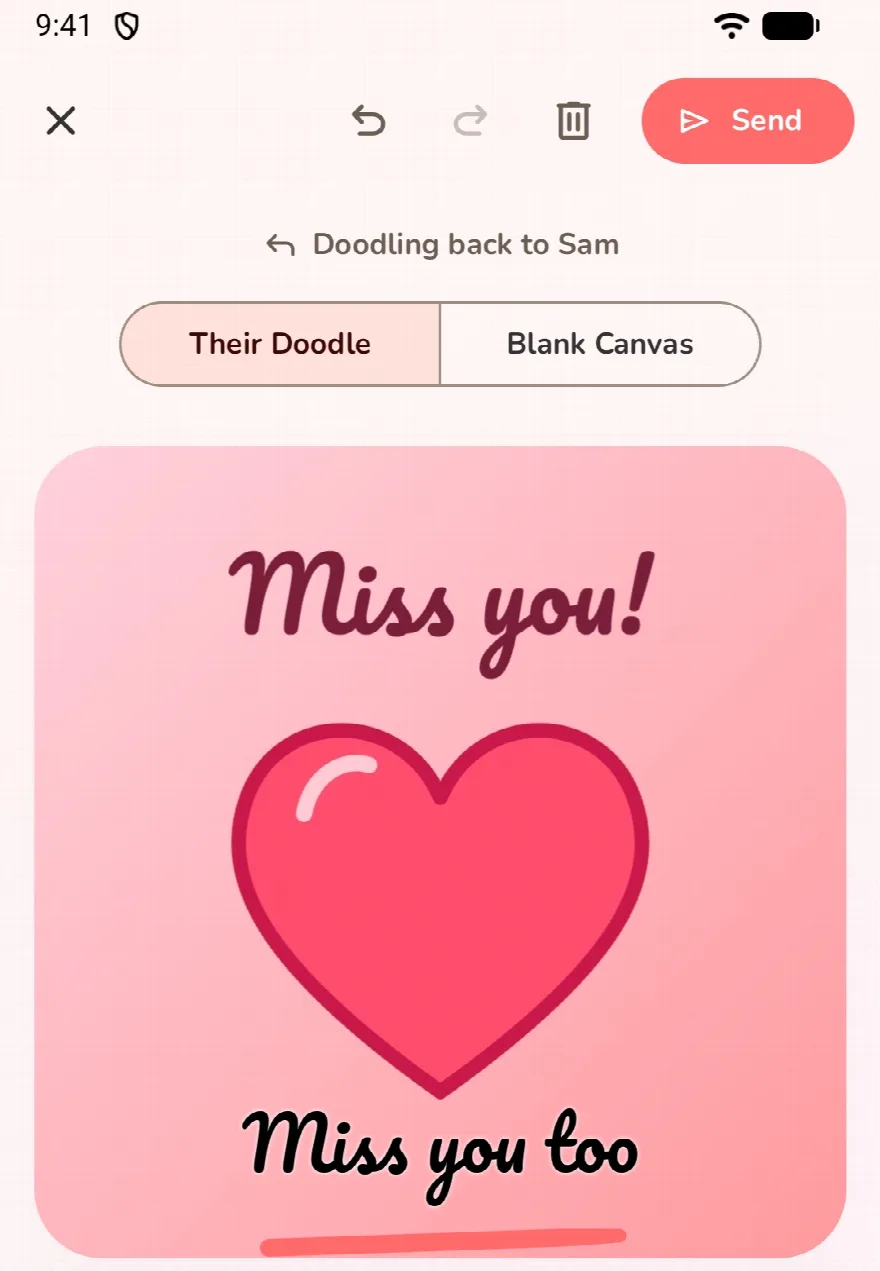
Doodle back on theirs
Draw your answer right on top of their doodle and send it back, or start fresh on a blank canvas. With your finger, or a stylus on your phone or tablet.
- ↩︎ Draw on their doodle
- ✍️ Finger or stylus
- Aa Text
- 🖼️ Your photos
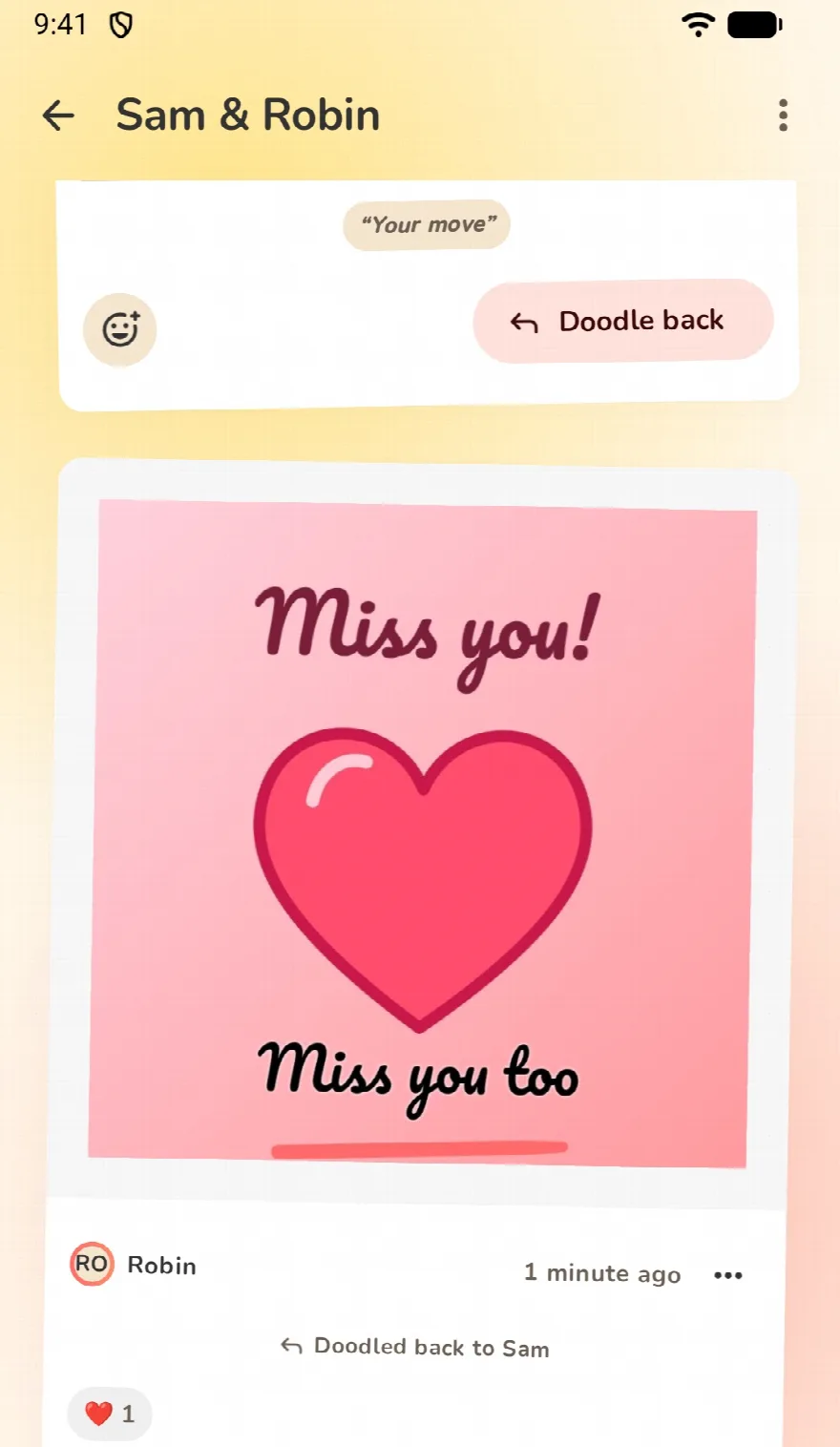
double-tap!
Love it, right from the widget
Double-tap a doodle for a heart, or pick your fave emoji. On the widget, tap a heart without even opening the app, or one of six emoji on the wide one.
- ❤️
- 😂
- 😍
- 😮
- 🥹
- 🔥
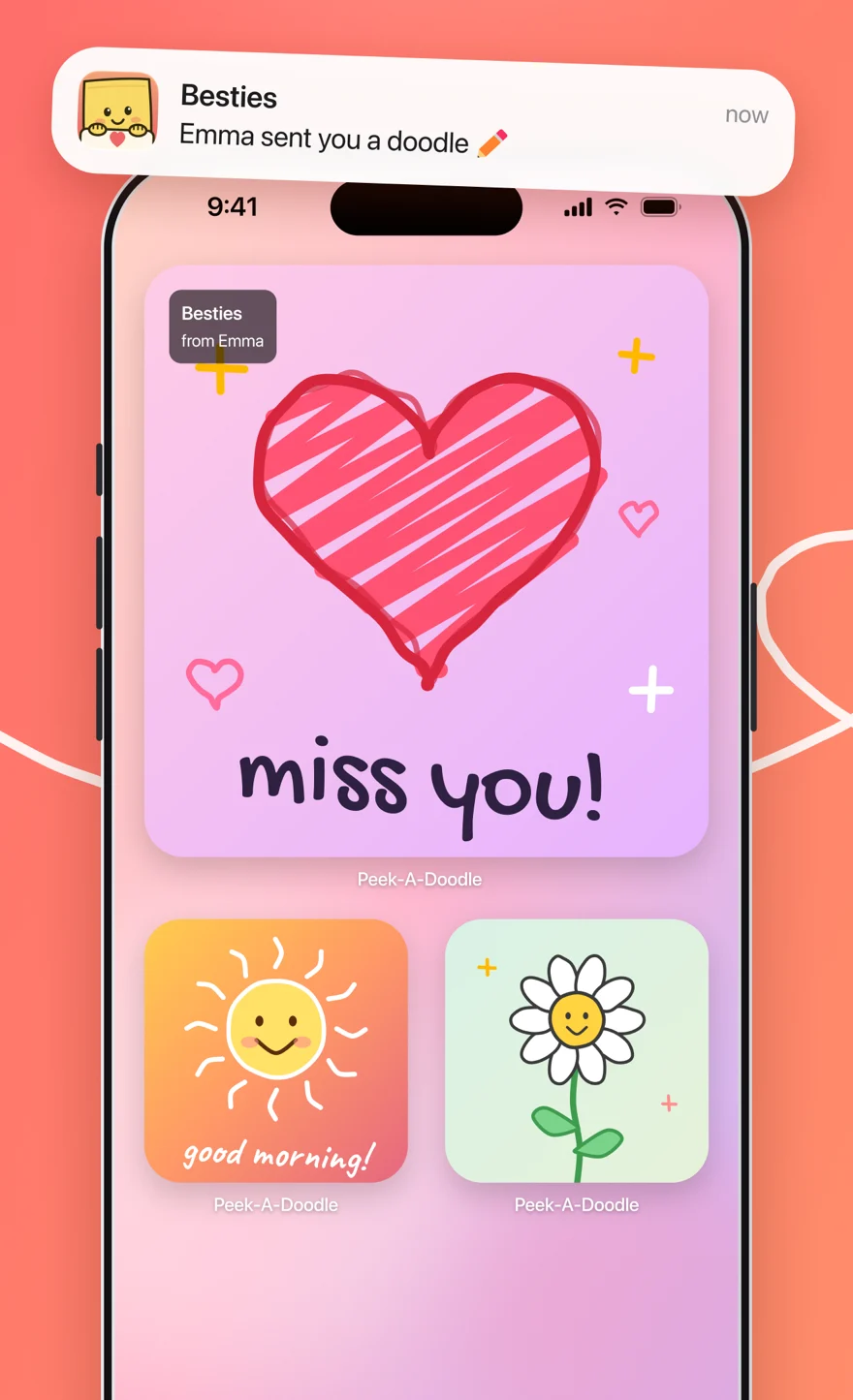
android + iphone
Whatever phone they have
Your group can mix phones: you on Android, your partner on iPhone, your mom on her iPad. Everyone’s doodles land on everyone’s widget.
- 🤖 Android
- 📱 iPhone & iPad
- 💻 Mac
there’s a doodle for that
Made for your kind of people
-
For long-distance couples
A little doodle across the miles, waiting on their Home Screen when they wake up.
-
A Locket alternative for doodles
Photos on their widget are nice. Drawing on them is nicer.
-
Doodle ideas
Nothing to draw? Cute, easy ideas for your partner, your bestie or your mom.
-
A doodle advent calendar
One Christmas doodle a day for the family, from December 1 to 24.
Android questions, answered
Is there a drawing widget for Android?
Yes, this one! Peek-A-Doodle is free on Google Play, for phones, tablets and foldables with Android 9 or later.
How do I add the widget?
Touch and hold an empty spot on your home screen, tap Widgets, find Peek-A-Doodle and drag it where you want it. Then pull its edges to make it as big as you like.
Can I have a widget for each group?
Yes. Add as many widgets as you like, and choose the group each one shows in its settings.
Does it work with friends on iPhone?
Yes. A group can mix Android phones, iPhones, iPads and Macs, and everyone’s doodles land on everyone’s widget.
Do they have to open the app to see my doodle?
Nope. The widget updates by itself, so your doodle is just there the next time they look at their phone.
Is it free?
Yes, Peek-A-Doodle is free to download and doodle with. An optional Plus membership unlocks the extra games and supports an indie developer.

Go make someone’s home screen
Free on Google Play and the App Store. Stick figures welcome.